mysql创建函数 Navicat 1227 - Access denied; you need (at least one of) the SUPER privilege(s) for
mysql 创建函数出错信息如下:
1227-访问被拒绝;您需要超级权限才能执行此操作
你的权限不足,试着用root账户登录数据库操作权限
-- 查看是否开启创建函数的功能
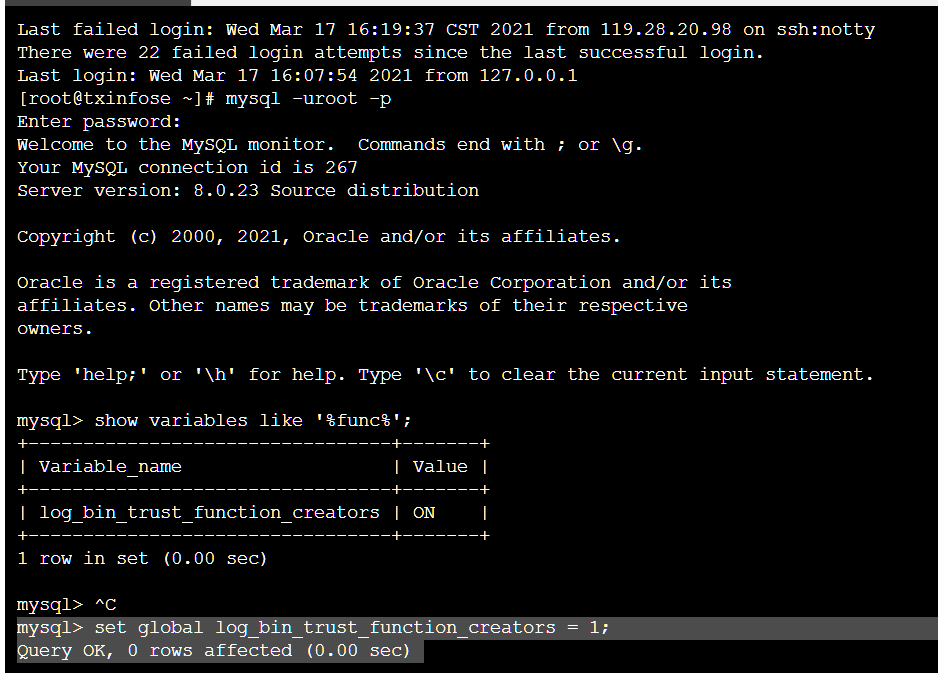
show variables like '%func%';
-- 开启创建函数的功能
set global log_bin_trust_function_creators = 1;
[root@txinfose ~]# mysql -uroot -p
Enter password:
Welcome to the MySQL monitor.  Commands end with ; or \g.
Your MySQL connection id is 267
Server version: 8.0.23 Source distribution

Copyright (c) 2000, 2021, Oracle and/or its affiliates.

Oracle is a registered trademark of Oracle Corporation and/or its
affiliates. Other names may be trademarks of their respective
owners.

Type 'help;' or '\h' for help. Type '\c' to clear the current input statement.

mysql> show variables like '%func%';
+---------------------------------+-------+
| Variable_name                   | Value |
+---------------------------------+-------+
| log_bin_trust_function_creators | ON    |
+---------------------------------+-------+
1 row in set (0.00 sec)
mysql> set global log_bin_trust_function_creators = 1;
Query OK, 0 rows affected (0.00 sec)
如果是宝塔面板,可在终端菜单 进去服务器命令行
然后再创建函数,ok!
本文原创,转载必追究版权。